


About AutoBangumi
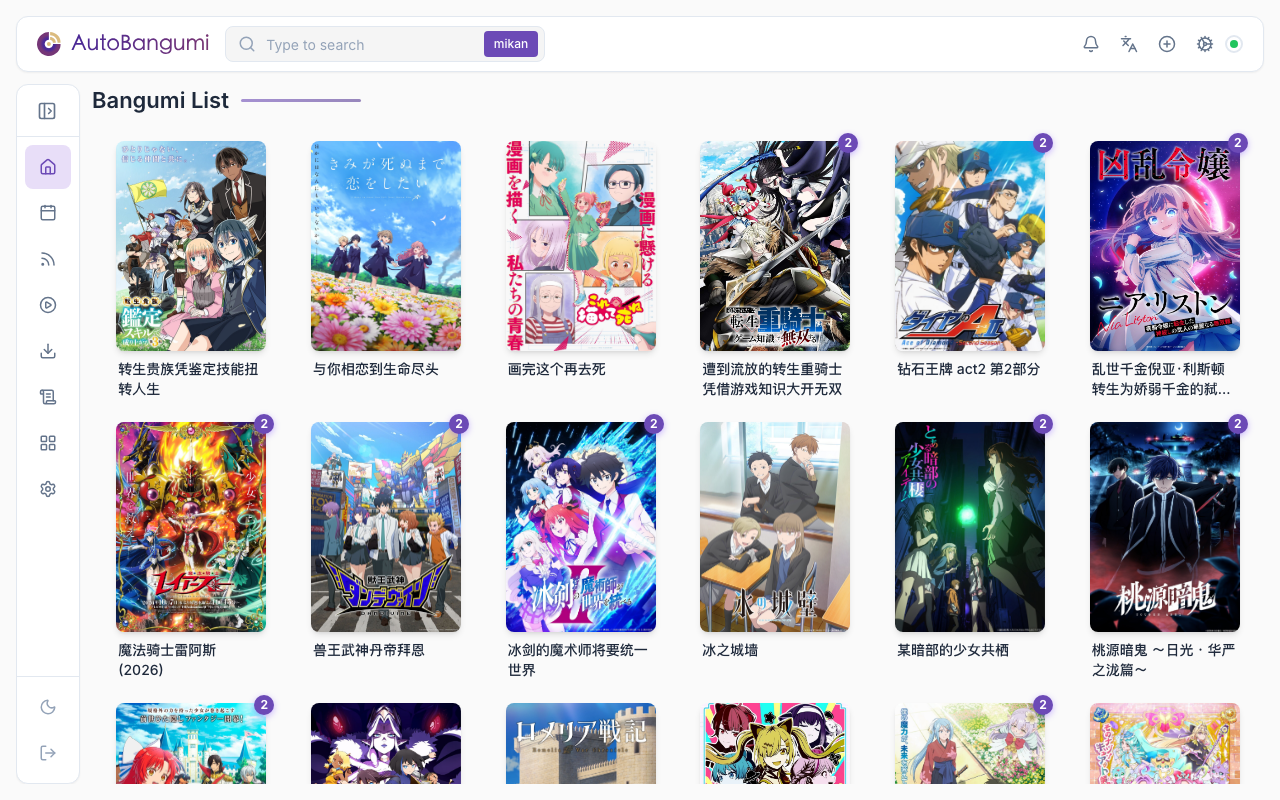
AutoBangumi is a fully automated anime downloading and organizing tool based on RSS feeds. Simply subscribe to anime on Mikan Project or similar sites, and it will automatically track and download new episodes.
The organized file names and directory structure are directly compatible with Plex, Jellyfin, and other media library software without requiring additional metadata scraping.
Features
Simple one-time configuration for continuous use
Hands-free RSS parser that extracts anime information and automatically generates download rules
Anime file organization:
Bangumi
├── bangumi_A_title
│   ├── Season 1
│   │   ├── A S01E01.mp4
│   │   ├── A S01E02.mp4
│   │   ├── A S01E03.mp4
│   │   └── A S01E04.mp4
│   └── Season 2
│       ├── A S02E01.mp4
│       ├── A S02E02.mp4
│       ├── A S02E03.mp4
│       └── A S02E04.mp4
├── bangumi_B_title
│   └─── Season 1
Fully automatic renaming — over 99% of anime files can be directly scraped by media library software after renaming
[Lilith-Raws] Kakkou no Iinazuke - 07 [Baha][WEB-DL][1080p][AVC AAC][CHT][MP4].mp4
>>
Kakkou no Iinazuke S01E07.mp4
Custom renaming based on parent folder names for all child files
Mid-season catch-up to fill in all missed episodes of the current season
Highly customizable options that can be fine-tuned for different media library software
Zero maintenance, completely transparent operation
Built-in TMDB parser for generating complete TMDB-formatted files and anime metadata
Reverse proxy support for Mikan RSS feeds
Plugins (4.0): plugins can supply downloaders, notification channels, metadata sources, search sites, and rename methods. The SDK, the
ab-plugincommand line, and example plugins are available. Refer to Plugin DevelopmentMore than one downloader (4.0): connect more than one qBittorrent or aria2 instance, and select a downloader for each rule or subscription
Template rename (4.0): make file names from a template that you write
Hard links and media server refresh (4.0): the download directory continues to seed while AB links the organized files into the media library. After AB organizes a torrent, it can tell Jellyfin / Emby / Plex to refresh
Community
- Update notifications: Telegram Channel
- Bug reports: Telegram
Acknowledgments
Thanks to Sean for extensive help with the project.
Contributing
Issues and Pull Requests are welcome!
Disclaimer
Since AutoBangumi obtains anime through unofficial copyright channels:
- Do not use AutoBangumi for commercial purposes.
- Do not create video content featuring AutoBangumi for distribution on domestic video platforms (copyright stakeholders).
- Do not use AutoBangumi for any activity that violates laws or regulations.
AutoBangumi is for educational and personal use only.