

Passkey Settings
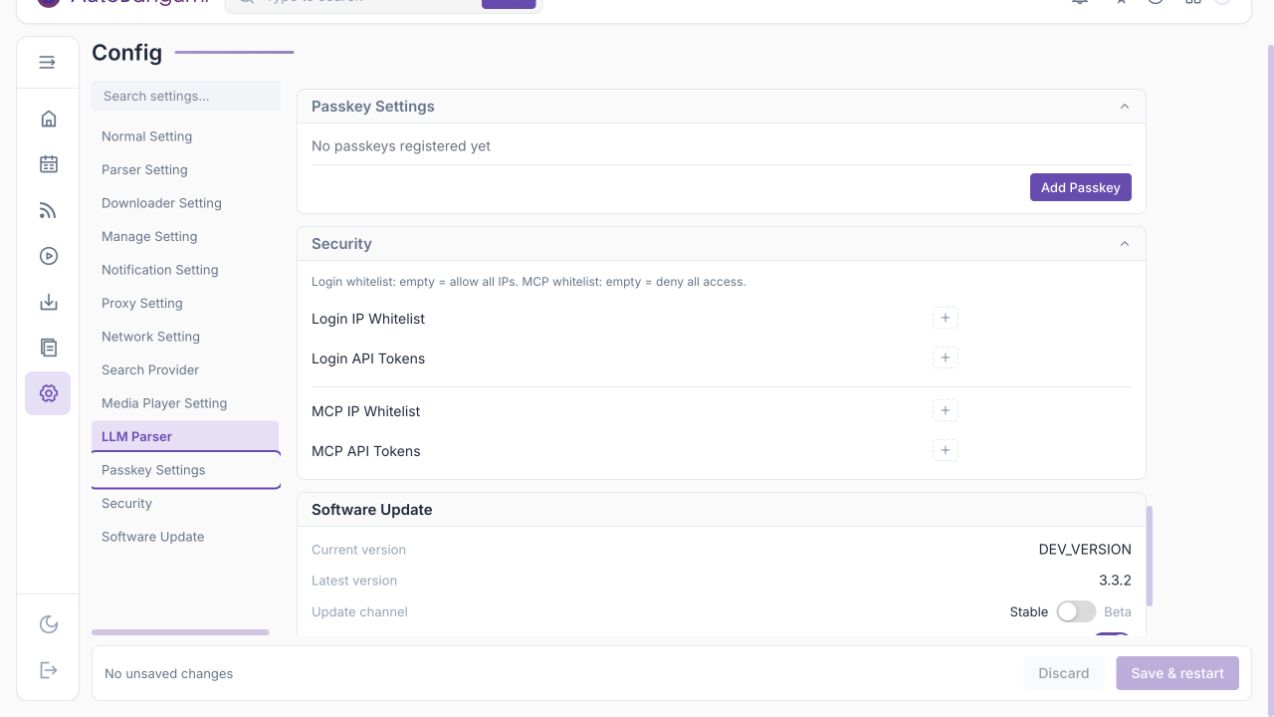
Passkey settings manage WebAuthn / Passkey credentials for the current account.
- Add Passkey: enter a device name, then complete the browser or OS verification prompt.
- Delete: remove a device credential.
- Last used: shown after a credential has been used.
- Synced: indicates a multi-device passkey.
TIP
Passkey changes are saved immediately. They do not require Save & restart. Your browser must support WebAuthn; reverse-proxy deployments should use a correct HTTPS origin and domain.
Advanced deployments can configure security.webauthn_rp_id and security.webauthn_origin.